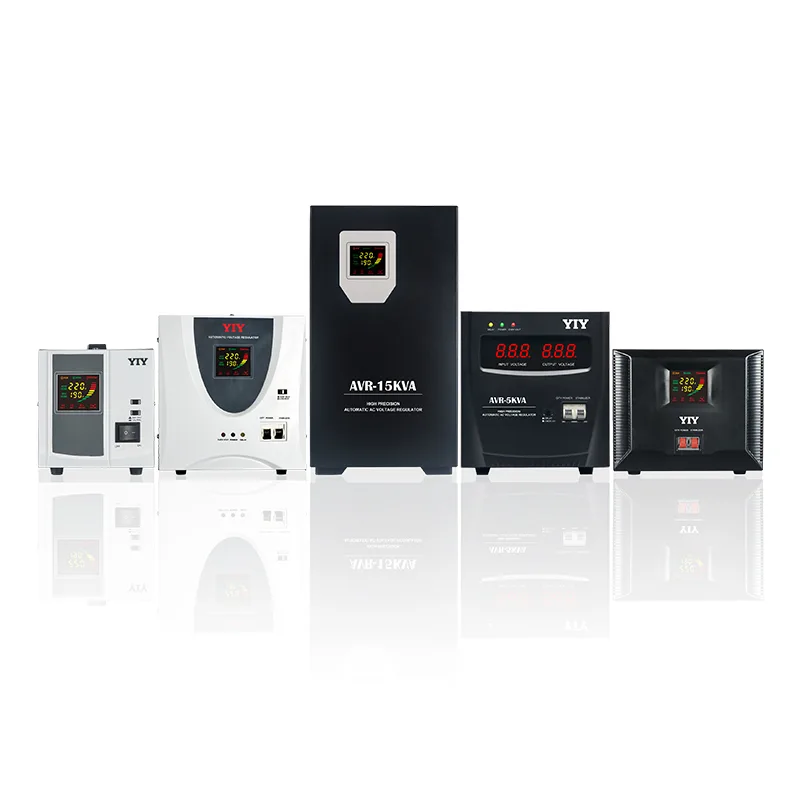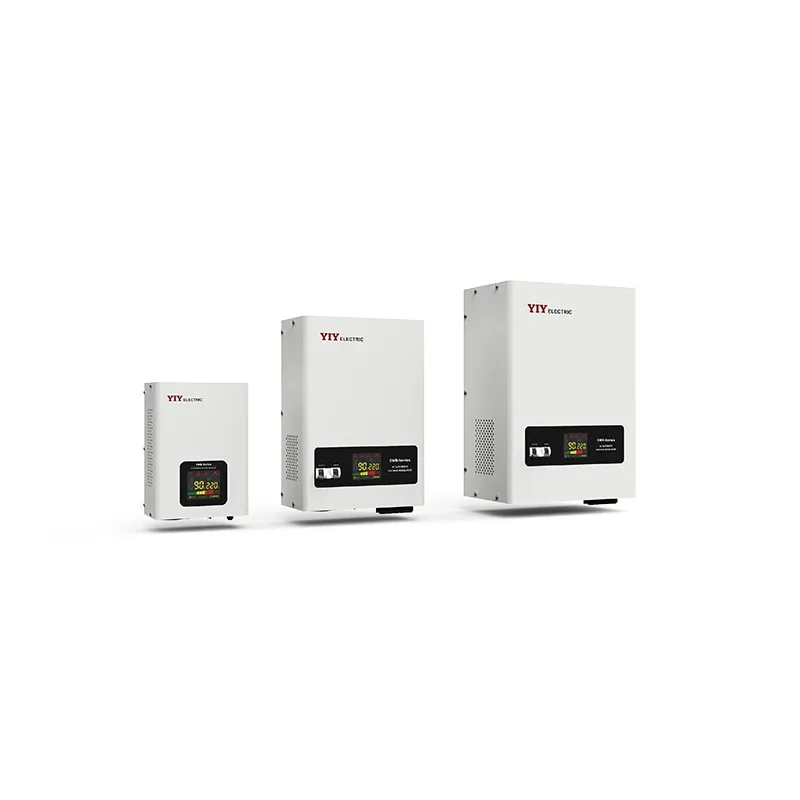

A power stabilizer for computer is worth considering when your grid voltage repeatedly dips, rises, or makes your UPS click into AVR mode, but it is not a substitute for battery backup.
Your first job is to confirm whether you have a voltage-regulation problem, an outage problem, or both, because each one needs a different protection path.
This guide walks you through when a stabilizer is necessary, how relay, servo, and IGBT/static AVR types compare, how UPS and stabilizer connections work, and which seven checks matter before you size or buy one.
When Does Your Computer Setup Actually Need Voltage Stabilization?
Your computer setup needs voltage stabilization when measured input voltage falls outside the safe operating range of your PC power supplies, UPS input, adapters, or connected electronics. If your symptoms are only brief outages, you need backup power first; if your symptoms are brownouts, overvoltage, nuisance UPS transfers, or repeated restarts, voltage regulation deserves attention.
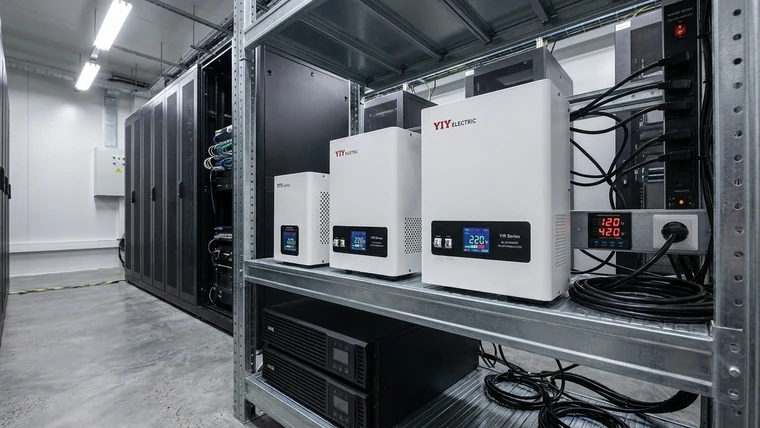
A computer power stabilizer, also called an AVR, automatic voltage regulator, voltage regulator, or line conditioner, regulates the AC voltage before it reaches your protected load. It can protect desktops, workstations, POS terminals, routers, monitors, electronics test benches, and UPS inputs, but it does not provide runtime during a blackout.
IEC 60038 standardizes common low-voltage supply levels such as 230/400 V through IEC 60038 standard voltages. For you, that means the starting point is not a guess: compare your actual wall voltage against your local nominal voltage and against the input range printed on your computer PSU, UPS, or adapter.
You should measure before you buy when you see these signs:
- Your UPS clicks frequently or switches to battery even when the power has not fully failed.
- Your PCs reboot, freeze, or shut down during peak electrical load hours.
- Your monitors, routers, mini-PC adapters, or laptop chargers run unusually hot.
- Your lights dim when printers, air conditioners, compressors, elevators, or nearby loads start.
- Your generator supply varies enough to disturb workstations or UPS input.
- Your office, home lab, or shop has recurring undervoltage or overvoltage complaints.
For a small PC cluster or home-office circuit with moderate fluctuation, a relay voltage stabilizer is often the first topology to review because it offers practical tap-based regulation for small single-phase loads without over-specifying the system.
Which Stabilizer Type Fits Your Computers, UPS Input, and Workstation Loads?
You should choose relay for moderate PC protection, servo for broader workstation or office loads, and IGBT/static regulation for sensitive electronics that need faster and tighter correction. The right choice depends on your voltage behavior, load sensitivity, acceptable downtime, and budget.

| Stabilizer type | Best fit for your load | Typical regulation precision | Response profile | What it means for you |
|---|---|---|---|---|
| Relay AVR | PCs, routers, monitors, POS systems, home-office electronics, small UPS input support | +/-5% to +/-8% typical | Tap-switching correction | Good for moderate fluctuation where your computer power supplies already tolerate normal variation |
| Servo stabilizer | Workstation groups, office panels, small business circuits, mixed electronics | +/-0.5% to +/-3% typical | About 1-2 seconds correction | Better when your load is larger, mixed, or needs smoother correction than relay switching |
| IGBT/static stabilizer | Lab electronics, sensitive test benches, critical small server support, medical-style electronics | +/-0.5% typical | Less than 20 ms response | Best when fast dips or tight voltage tolerance can interrupt data, measurement, or control work |
The precision numbers matter practically. A +/-5% to +/-8% relay output may be enough when your PC power supplies and UPS accept a reasonable input band. A +/-0.5% IGBT/static output with sub-20 ms response becomes more relevant when even a short voltage dip can corrupt data, interrupt measurement, or trigger sensitive equipment.
Your buying decision also changes with scale. One desktop and monitor may only need a small single-phase stabilizer or a UPS with AVR. A workstation room with printers, network switches, and shared UPS systems may need a larger single-phase unit or a panel-level deployment. If your computer load expands into a feeder, floor, or facility-level circuit, your sizing logic becomes closer to main-line stabilizer design than desktop accessory buying.
If the same site also feeds display and AV equipment, the same relay, servo, and IGBT trade-off applies there; this stabilizer comparison for large displays guide is a useful comparison path for relay, servo, and IGBT fit outside computer loads.
How Does an AVR Protect Your Computer Without Replacing a UPS?
An AVR protects your computer by correcting unstable input voltage, while a UPS protects your work from outages by providing stored energy for short runtime or shutdown. If your grid fails completely, the stabilizer cannot keep your PC running; if your grid stays on but swings too high or too low, the stabilizer can reduce voltage stress before the UPS or computer power supply sees it.
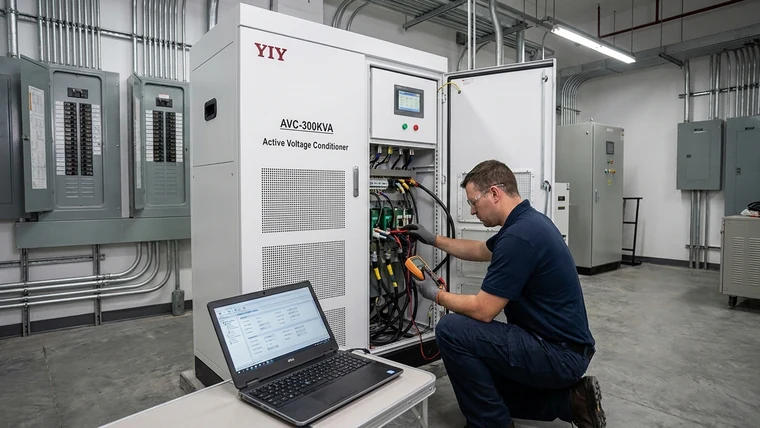
A typical connection path is:
Wall supply -> Stabilizer -> UPS -> Computer load
That sequence is common because the stabilizer improves the voltage feeding the UPS, and the UPS then provides backup energy to your computer. For you, the important check is compatibility: the stabilizer must be correctly sized for the UPS input, charger behavior, connected load, and inrush current.
IEC 61000-4-11 covers IEC 61000-4-11 voltage dip and interruption immunity testing for electrical and electronic equipment. In practical terms, voltage dips and short interruptions are recognized engineering events, not vague “bad power” complaints, so your protection plan should identify which event type is actually happening at your site.
| Device | Main function | What it does for your computer setup | What it does not do |
|---|---|---|---|
| Voltage stabilizer / AVR | Corrects high or low AC voltage | Keeps input voltage in a safer operating band | Does not provide battery runtime |
| UPS | Provides backup energy and transfer support | Keeps your computer running during outages or gives shutdown time | May not correct wide or frequent voltage swings unless it has AVR |
| Inverter | Converts DC battery or solar power into AC | Supports backup or off-grid AC supply | Does not automatically mean precise voltage regulation |
| Surge protective device | Diverts transient spikes | Helps handle short surge events | Does not correct sustained undervoltage or overvoltage |
A UPS with line-interactive AVR may be enough for mild voltage variation. But if your UPS frequently clicks, transfers to battery, overheats, or shortens battery life during grid fluctuation, an upstream voltage stabilizer can reduce unnecessary stress. You still need to confirm the UPS datasheet, including input voltage range, output waveform, transfer time, overload rating, and charging current.
What Should You Check Before Sizing This Capacity Tier?
You should size the stabilizer from measured voltage range, total VA, power factor, startup peaks, phase type, and environment, not from the word “computer” alone. That protects you from two common mistakes: buying a unit that is too small for the real current, or overpaying for a power class that does not solve your actual voltage problem.
| Check | Why it matters | If you skip it |
|---|---|---|
| Total watts and VA | Your stabilizer must carry PCs, monitors, switches, printers, UPS input, and small servers at the same time | The unit may overload, heat up, trip, or fail early |
| Power factor | Use VA = W / PF when only watts are known; lower PF means higher apparent power |
A “1000 W” load may need more than 1 kVA capacity |
| Startup and charging peaks | UPS chargers, laser printers, adapters, and power supplies can draw short peaks above running load | Voltage may sag at the exact moment your equipment starts |
| Safety margin | A 20-30% buffer is often practical for heat, duty cycle, and future devices | You leave no room for expansion or harsh operating conditions |
| Measured input range | Lowest voltage, highest voltage, dip duration, and time of day define the correction range | A correctly sized kVA unit may still be wrong for your grid |
| Phase and source | Single-phase, three-phase, generator input, neutral quality, earthing, and frequency affect specification | Regulation problems may continue because the upstream supply is unsafe or unstable |
| Environment | Dust, humidity, heat, ventilation, cabinet space, noise limits, and service access affect reliability | Fans clog, components run hot, alarms go unseen, or maintenance becomes difficult |
The formula VA = W / PF means apparent power can be higher than the watt number you first see. For example, if your protected load is 1200 W at 0.8 power factor, the apparent load is 1500 VA before any safety margin. After adding a 20-30% buffer, you would look above that level instead of choosing a 1.5 kVA unit at its limit.
A 3 kVA unit is a common reference point for small sensitive loads, office electronics, workstation equipment, and voltage stabilizer for home UPS input, but it is not universal. Your final size should come from measured load and voltage behavior, then be rounded up to the next suitable rating.
If your deployment moves beyond desktop or small-office loads into a building feeder or larger three-phase circuit, use a broader execution framework such as 3 phase main line stabilizer sizing because the design must account for phase balance, distribution panels, larger inrush events, and system-level protection.
For more complex applications, your selection should include total load, power factor, startup current, input range, phase, sensitivity, environment, and maintenance access. This industrial voltage stabilizer selection framework is useful when your “computer” requirement becomes part of a wider electrical system.
How Should You Screen Suppliers and Documentation?
You should screen the supplier by verifying the rated input range, output tolerance, overload behavior, protection functions, certifications, manufacturing traceability, and service support. A low price is not useful if the stabilizer cannot correct your actual voltage range or if documentation is too vague for procurement approval.
Use this acceptance review before you commit:
| Check | Why it matters | If you skip it |
|---|---|---|
| Input voltage range | Confirms the unit can correct your measured low and high voltage | The stabilizer may bypass, trip, or fail to regulate during real grid events |
| Output tolerance | Shows how tightly the unit controls voltage | Sensitive loads may still see unstable supply |
| Overload and bypass behavior | Tells you what happens during peak load or fault conditions | Your computer load may shut down unexpectedly |
| Protection functions | Over/under-voltage cutoff, delay, surge protection, alarms, and thermal protection reduce avoidable failures | Faults may continue unnoticed until equipment is damaged |
| Cooling and enclosure | Office, shop, dusty bench, and humid environments require different placement and airflow | Heat and contamination can shorten service life |
| Quality documentation | ISO, CE, inspection reports, wiring diagrams, and manuals support procurement review | You may have no traceable proof for audit, service, or warranty claims |
| Service and customization path | OEM/ODM, capacity range, spare parts, and engineering support matter as your load grows | You may need to replace the unit instead of adapting the deployment |
ISO 9001:2015 can support supplier quality-management review when the certificate is current and traceable to the manufacturer; the official reference is ISO 9001 quality management systems. For you, the practical action is to ask for the certificate number, issuing body, scope, expiry date, and manufacturer name, then confirm that the certificate matches the company producing the stabilizer.
YIY’s documented range from small kVA units to large AVR, servo, and IGBT stabilizers is relevant when your scope may grow from a home office to a workstation group, production support office, or light industrial electronics area. That does not mean you should oversize; it means you can ask for a deployment path instead of treating the purchase as a one-off accessory.
Before a larger RFQ, you may also want to compare before buying a voltage stabilizer so procurement can separate capacity, topology, protection, enclosure, and supplier documentation instead of comparing only nameplate kVA.
Frequently Asked Questions
You can use these answers to verify your next action before you buy or connect equipment. If any answer conflicts with your UPS manual, stabilizer datasheet, or local electrical code, follow the equipment documentation and have a qualified electrician review the installation.
What Is the Difference Between a UPS Stabilizer and an Inverter?
A UPS stabilizer regulates voltage and provides short backup time, while an inverter mainly converts DC battery power into AC power. For your computer protection plan, the practical difference is runtime and voltage quality: the UPS helps you survive outages, while the stabilizer keeps the incoming AC supply within a safer band.
Does a UPS Work as a Stabilizer for a Computer?
Some UPS units work as a stabilizer if they include AVR or line-interactive voltage regulation. You should verify the datasheet for input voltage range, AVR boost/buck function, transfer time, output waveform, overload rating, and whether the UPS is repeatedly switching modes during your measured voltage events.
Can I Connect a Stabilizer to a UPS?
You can connect a stabilizer before a UPS when the stabilizer is correctly sized and compatible with the UPS input. Use the usual order: wall supply, stabilizer, UPS, then computer load. Before energizing the setup, verify total VA, UPS charging current, earthing, plug rating, stabilizer output tolerance, and input voltage range.
Which Is Better for Computer Protection, a UPS or a Voltage Stabilizer?
A UPS is better when your main problem is outage backup, while a voltage stabilizer is better when your main problem is continuous voltage fluctuation. If you experience both power cuts and unstable voltage, your safer path is often both devices in the correct order: stabilizer upstream, UPS downstream, and computer load after the UPS.
How Do I Verify Whether I Need an Automatic Voltage Regulator for PC Equipment?
Start by logging wall voltage at different times of day, especially when nearby heavy loads start. Then compare the lowest and highest readings with the input range on your PC power supply, UPS, and adapters. If your UPS event log shows repeated AVR boost/buck events, battery transfers during brownouts, or input voltage alarms, use those records as procurement evidence.
What Is the Safest Next Step Before You Buy?
You should start with a first-pass fit review, not a large quotation package. Share your protected loads, estimated or measured watts and VA, single-phase or three-phase supply, lowest and highest observed voltage, UPS model if used, generator details if relevant, and operating environment.
From there, YIY can help you decide whether a relay AVR, servo stabilizer, or IGBT/static stabilizer fits your computer load without pushing unnecessary capacity. The goal is a practical deployment path: stable voltage where you need regulation, UPS backup where you need runtime, and enough margin for your real operating conditions. For a single workstation or a small office circuit, see the YIY AVR single-phase relay voltage stabilizer and check its listed capacity against your measured VA.
Dealers, IT integrators, and wholesale buyers can request distributor terms through the YIY contact page.